Stroku
Free for Roku TVs and players
Your Stremio add-ons, on the big screen.
Stroku brings the catalogs, library, and streams you use in Stremio to your Roku, with an interface built for the remote instead of squeezed onto it.
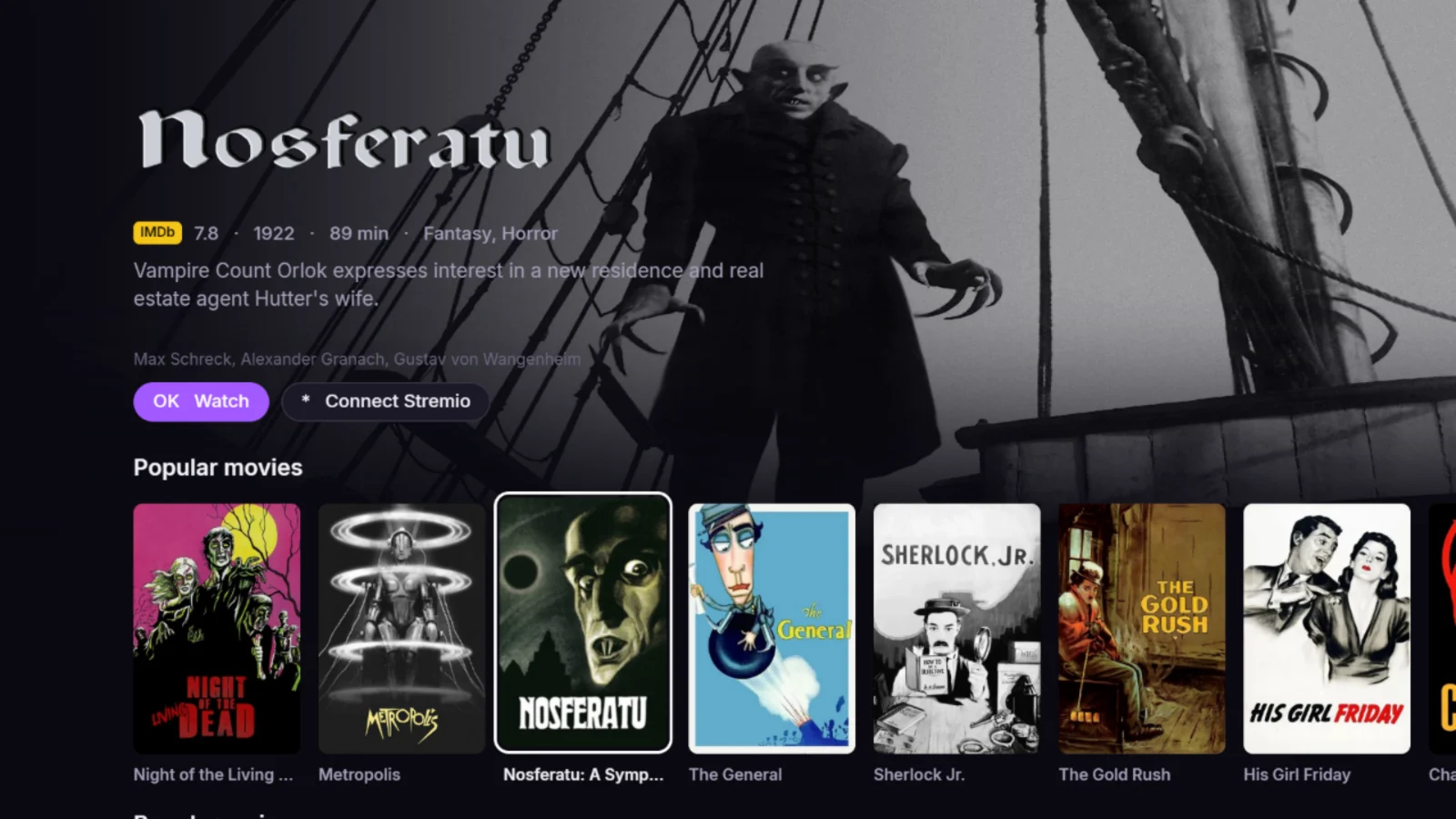
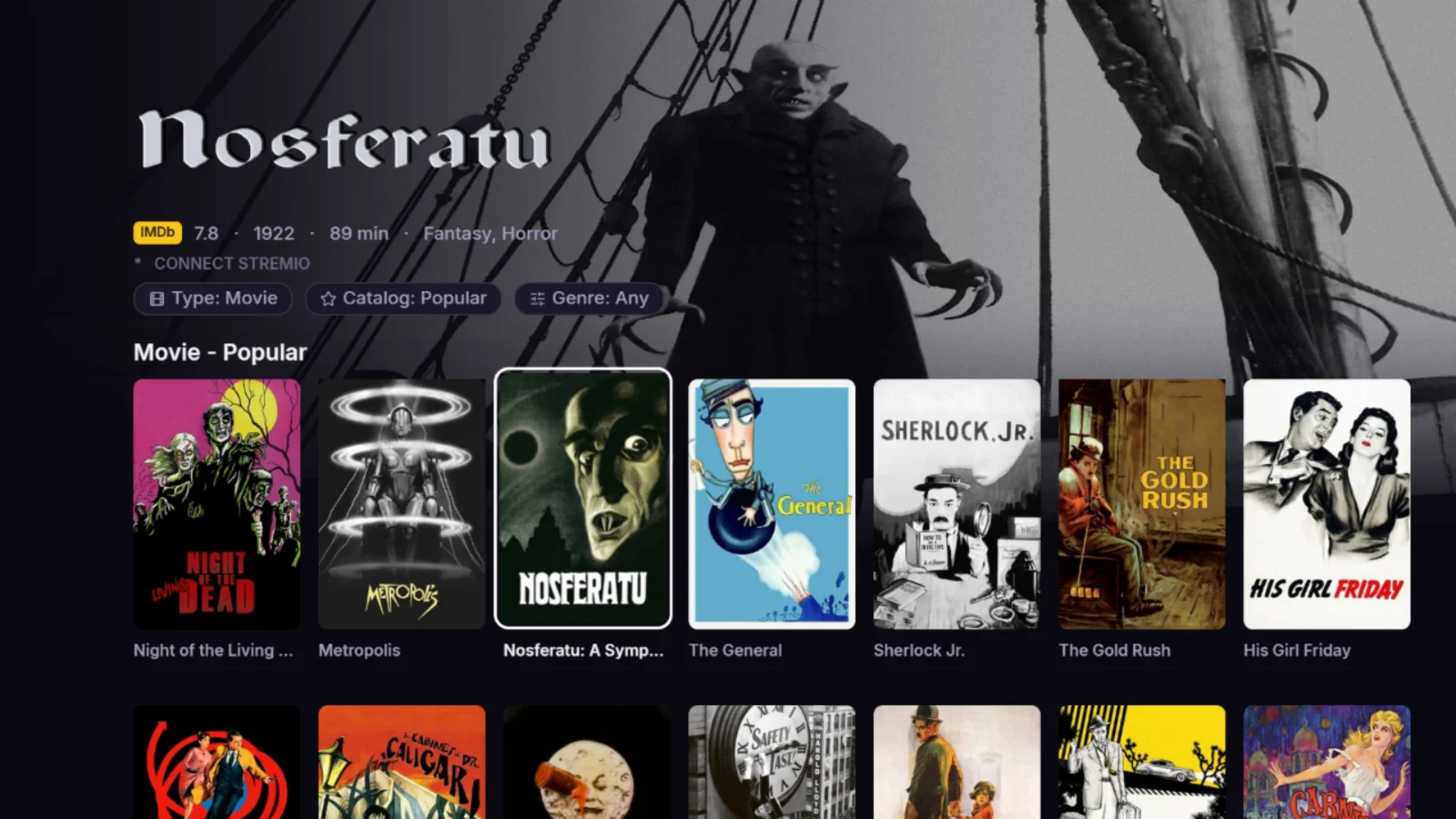

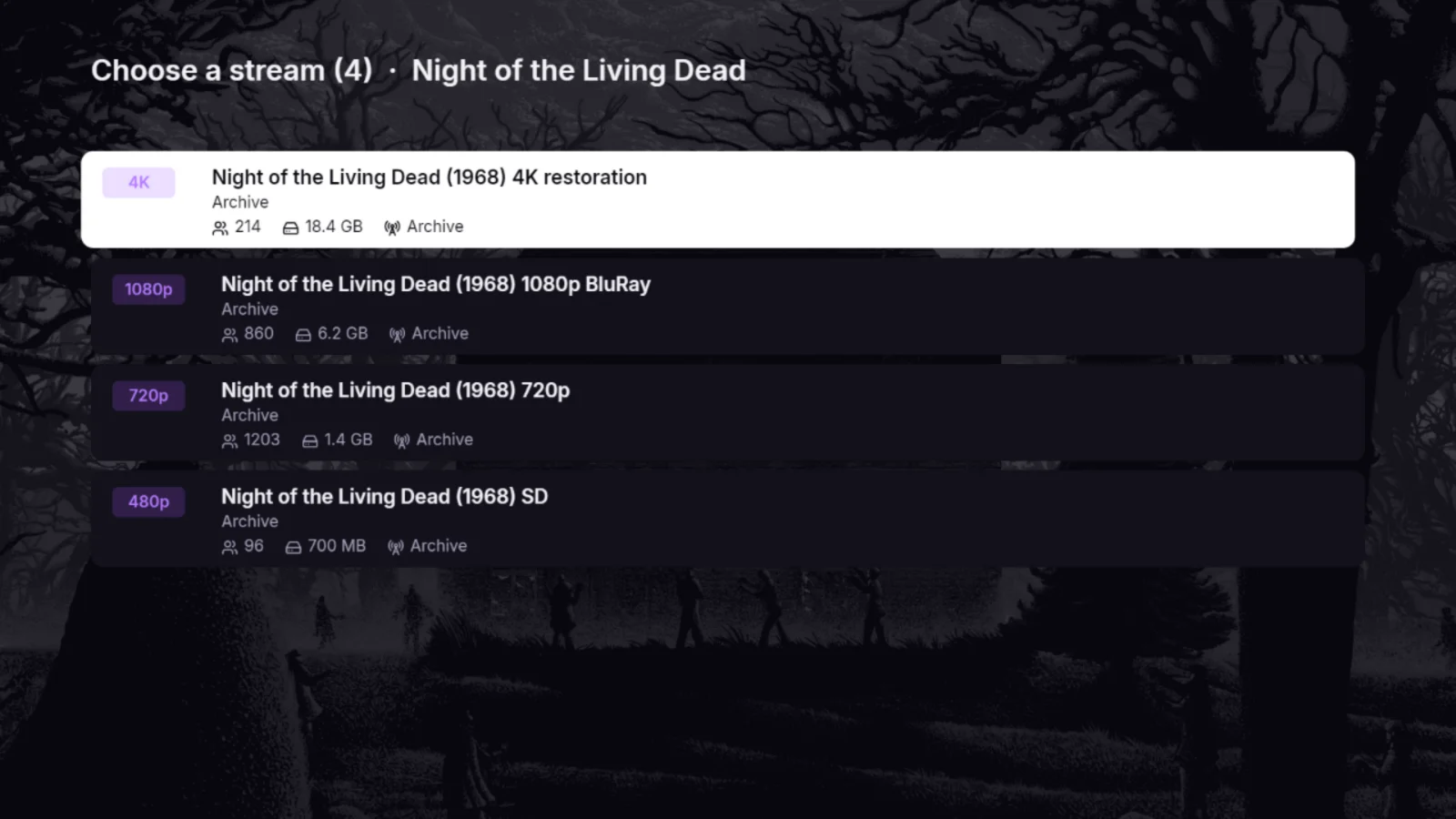
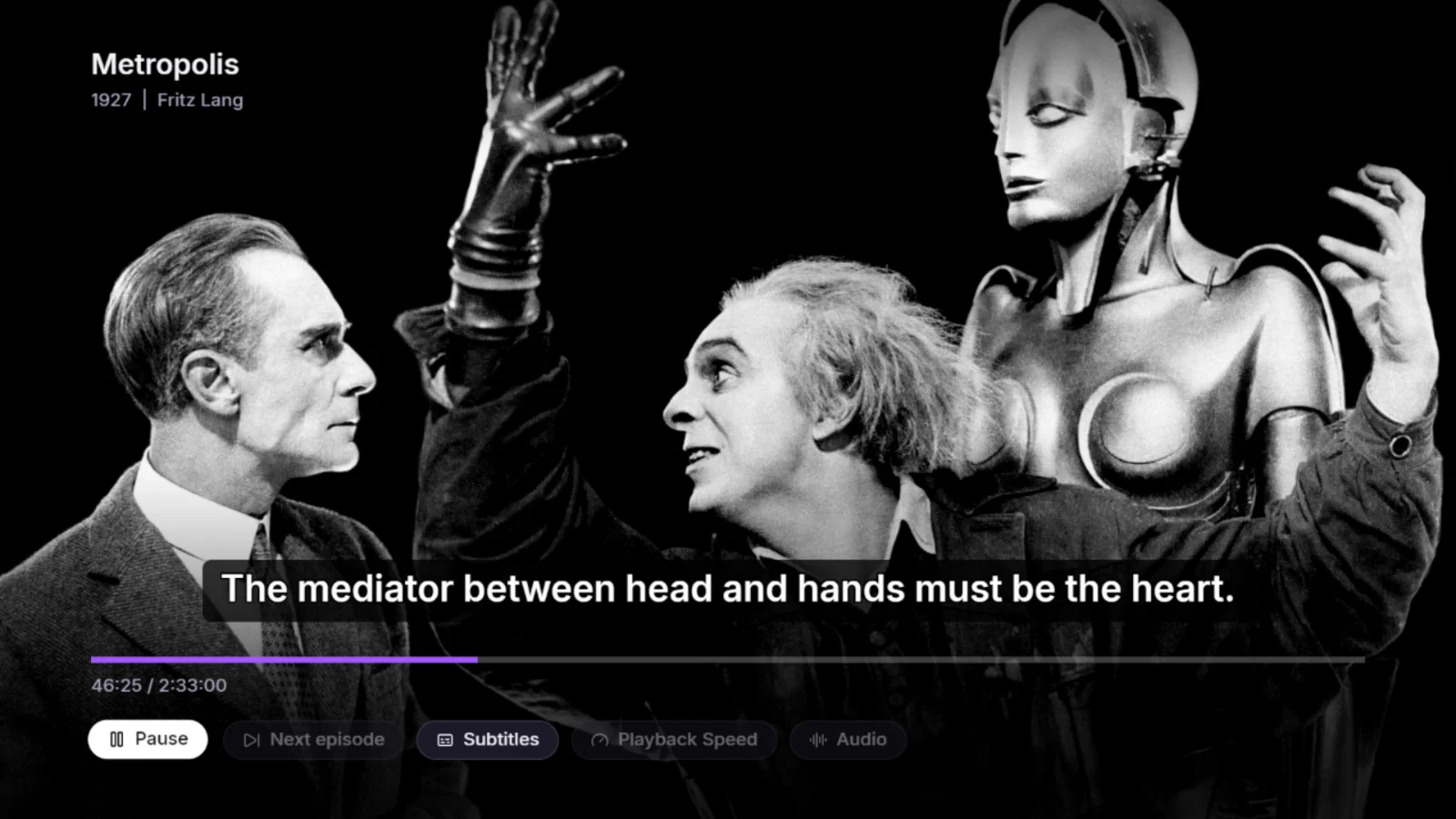
Real screens from Stroku, shown with public-domain films.
Every catalog your add-ons offer.
Popular, featured, by genre, anime, YouTube channels: whatever your add-ons publish appears as rows you browse with the arrow keys.

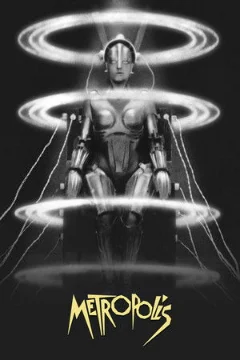






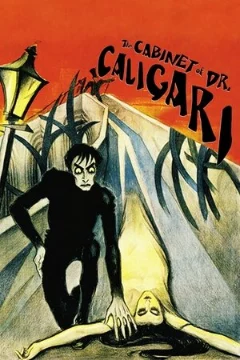









Pick up where you left off.
Link your Stremio account with a code and your library, watch history, and resume points follow you to the TV. Watched episodes are marked, and the calendar lists new ones from the series you follow.
Every source in one list.
Stroku asks all your add-ons at once and lists what the Roku can play, best quality first, with size and source on each row. It remembers which result you picked for the next episode.
Subtitles you can actually read.
OpenSubtitles is built in. Choose a box that fits the words, a full-width bar, an outline, or a drop shadow, and fix timing with Delay without stopping the film. Your track and timing are remembered per title.
Two ways to play torrent results.
A Roku plays direct video links. Many add-ons return torrents instead. Pick the way that suits you.
Real-Debrid
Your add-on turns torrent results into direct links, and the Roku plays them on its own.
- Starts in seconds, seeks instantly
- Plays almost every result
- Nothing else to keep running
Stroku Server for Android
Your phone fetches the torrent and passes the video to the Roku over Wi-Fi.
- No subscription
- Phone stays on and on the same Wi-Fi
- Start time depends on how many people share it
Made for the remote.
No pointer, no tiny text. A few keys do everything, and long URLs come from your phone instead of the on-screen keyboard.
Play
Open a title, pick a stream, and press OK again to watch.
Save
Add the poster you are on to your library, or open quick actions.
Change season
Flip through seasons right from the episode list.
Jump up
From deep in a row, Back takes you straight to Watch.